Hey there Clammers. I have been in contact with TinyCo and the game creator to get these large bugs worked out and corrected for you. I just received word back and am now passing it on to you.


Hey there Clammers. I have been in contact with TinyCo and the game creator to get these large bugs worked out and corrected for you. I just received word back and am now passing it on to you.
Hello There Clammers!
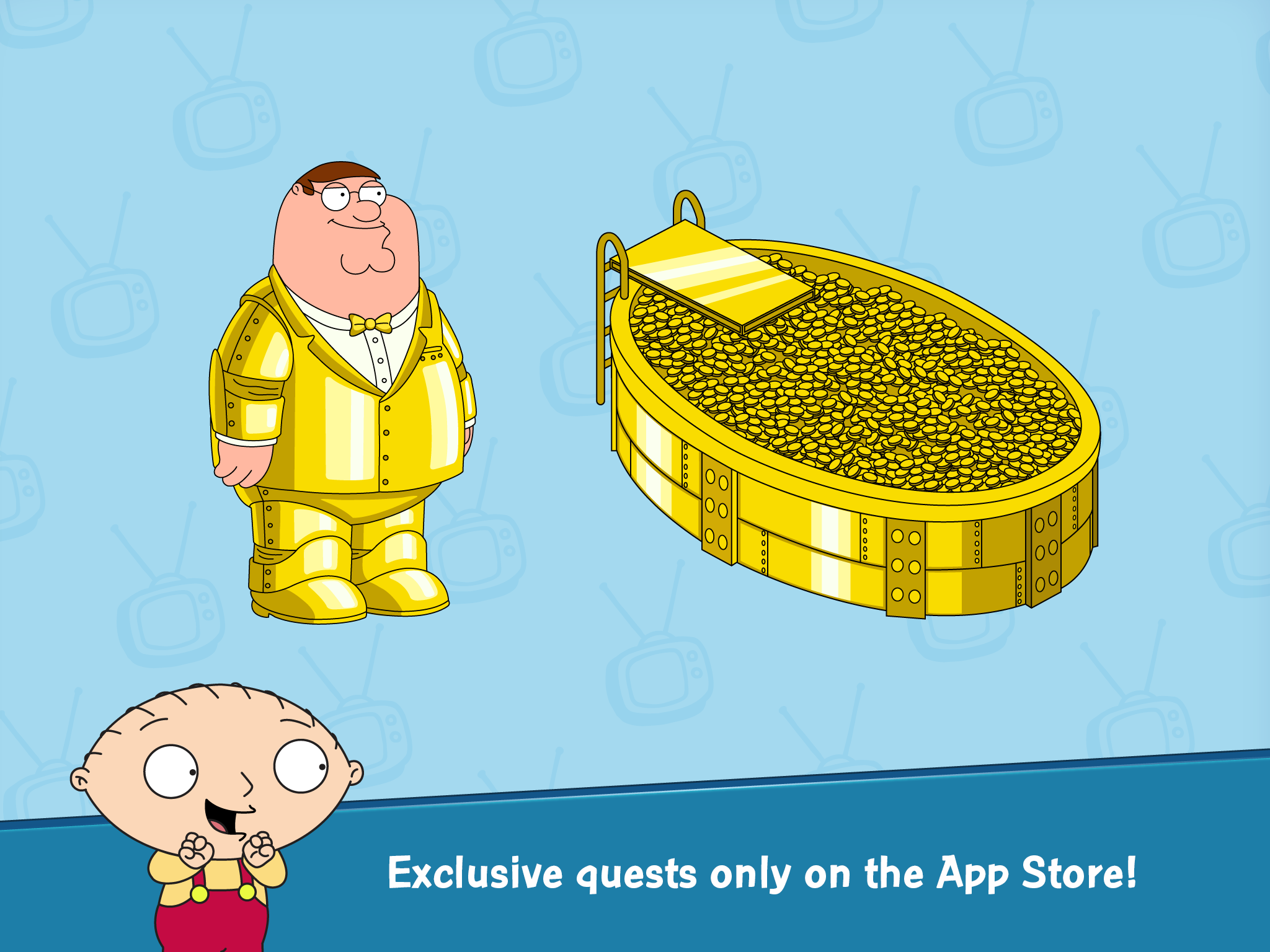
So yesterday I posted a full walkthrough from the start of the game to unlocking the Shopping District, however a few readers pointed out that I skipped the part where you make Golden Suit Peter. However, Golden Suit Peter is available on iOS only, and while I have and iPad I mainly play these games on my Android devices. But since I knew Golden Suit Peter existed and on iOS only, last night I broke out the old iPad 1 (yes, iPad 1…sorry iOS lovers I seriously love my Samsung devices!) and started a 3rd Family Guy game.
So many of you have questions about this questline: What do you do? How do you unlock it? Can I move it to my Android? Can I switch back and forth? So I’ve discovered the answers to all of these, so let’s take a look at just how this iOS exclusive deal works…
Hey there my new little friends. Shocked to see a familiar name in a new place? Well here I am, trying to help out in the same regard I always have loved to. I will be taking you on a lil journey with me to give you a few pointers and things you may want to know when you first start out your game.
First off, those lil Notifications. I KNOW you are going to go looking for them. Whether you want them on or not, here are a few hints to help you out.
Go to your Menu Icon in the lower left side of your screen. (It looks like a blue cracker to me. Lol.)

Hello There Questers!
We’ve got the first part of the walkthrough here from the basic game start up to unlocking the Shopping District. Unfortunately, there are subtle differences in tasks and dialogue between the BETA and the full version of the game so this is being posted a little slower than I had hoped. Hopefully they next sections should go up a little faster! 🙂
This basic walkthrough (dialogue free) will get you through the game start (tutorial) all the way to the point of unlocking the Shopping District. Up to unlocking Quagmire the quests/tasks should be as indicated here. After you’ve unlocked Quagmire I’ve just posted them as they appeared to me in the game, they may come in a different order for you but the quest is still the same. Continue reading
Posted in District 1, Game Play, Tips and Tricks, Uncategorized
Tagged Family Guy Addicts, Family Guy Game, Family Guy Tapped Out, Family Guy The Quest For Stuff, Game start walkthrough, Help with Family Guy Quest for Stuff tasks, how do I unlock Bonnie?, How do I unlock chris?, How do i unlock jerome?, How do i unlock quagmire?, How to I unlock bruce?
UPDATE: We’ve published the materials list (the stuff you need to collect in order to unlock characters) but it’s still from BETA testing. So some of the items may change and how you unlock them. But for now this should be a good starting point for everyone to see how to unlock certain characters. You can find the “Stuff” page here
Hello There Questers! (so we’ll try this one out today, maybe we’ll do a poll later 😉 )
So the game is in fact LIVE in the app stores (iOS and Android…sorry Kindle friends! Hopefully soon!) and while we’re playing our game of what was in BETA/what’s in the actual game I wanted to provide you all with a few quick tips to help you get started through the first little bit of the game!
-Earn Money Faster:
During the first few parts of the game (after both Chris and Peter have reached level 2) you can earn a good amount of money by continuously making them play Fat Guy Leap Frog. Do this BEFORE you clear Quagmire’s block, because at that point the task is only 6 seconds long. So every 6 seconds you’ll earn 15 coins. But after you clear Quagmire’s block the quest time will go up and it won’t be as beneficial. So if you’re looking for a quick way to build up your cash bank while getting started, this is a good trick!
–Having Trouble Getting the Game to Load:
Just like other App games we suggest trying the basic troubleshoot methods first if you can’t get it to load (or it crashes at start up). Hard close the app and reopen it, if that doesn’t work restart your device. Those should help trigger the game to start correctly.
–Played the game in BETA?
If you played the BETA version of the game your progress will continue once you download the new game. If you created an account you’ll need to sign into the account to get your game back, otherwise it will just appear when it’s downloaded.
–Friends in Facebook:
Currently the ONLY way to add friends in this game is via Facebook (meaning your friends have to have the game and use Facebook to login too). We’ll have a friend request page up shortly BUT we caution you to be careful how much real life information you give out. You may want to consider making a Facebook account JUST for this game and not putting any personal information on it. And yes, we’re not fans of the Facebook only rule right now. Hopefully it will change soon!
-Play on Multiple Devices:
You can create an account via Facebook, Google + or just your email address. Click the menu button (looks like 9 little boxes inside a box) and hit account info. From there you can create an account via and of the above methods listed. When you go to your other device just hit account info again and sign in (with the method you chose) and that should bring your town back up.
Ok, that it for now. Should have more info up as soon as we confirm everything! In the meantime keep asking those questions, giving us feedback and anything else you can think of in the comments! We’ll be here to help! 🙂







 Family Guy Addicts